Top 6 Small Business Inventory Control Software (Free & Paid)


Ever sold an item online only to realize it was already out of stock? Or tied up cash in products that sat on your shelves for months? These are the everyday cracks in spreadsheet-based inventory — and they get more expensive every quarter you ignore them.
Small business inventory control software solves this by giving you real-time visibility into what's selling, what's running low, and what needs to be reordered. But here's the catch most "top 10" lists won't tell you: most tools track inventory. Very few help you decide what to actually do about it.
This guide is updated for 2026 with the tools that small and mid-sized businesses are actually shifting to plus a side-by-side comparison, real product screenshots, and an honest reality check on what these tools can and can't do for you.
Small business inventory control software is a digital tool that helps smaller companies track, manage, and control stock more efficiently. Unlike enterprise systems packed with complex modules, these solutions focus on essentials, real-time stock visibility, automated reordering, and integrations with sales channels and POS.
For a small business, the goal isn't just tracking numbers — it's making sure every product is in the right place at the right time, without overstocking or running out. The best tools are lightweight, affordable, and usable by non-technical teams.
Example: A small online fashion boutique without software risks overselling a popular dress on Shopify while it still shows "in stock" on Instagram Shop. With inventory control software, stock syncs across channels automatically preventing lost sales and refunds.
Inventory analytics powered with
smarter forecasts

Before you start comparing dashboards and pricing pages, read this.
Most inventory tools fall into two camps:
Tracking inventory ≠ knowing what to reorder.
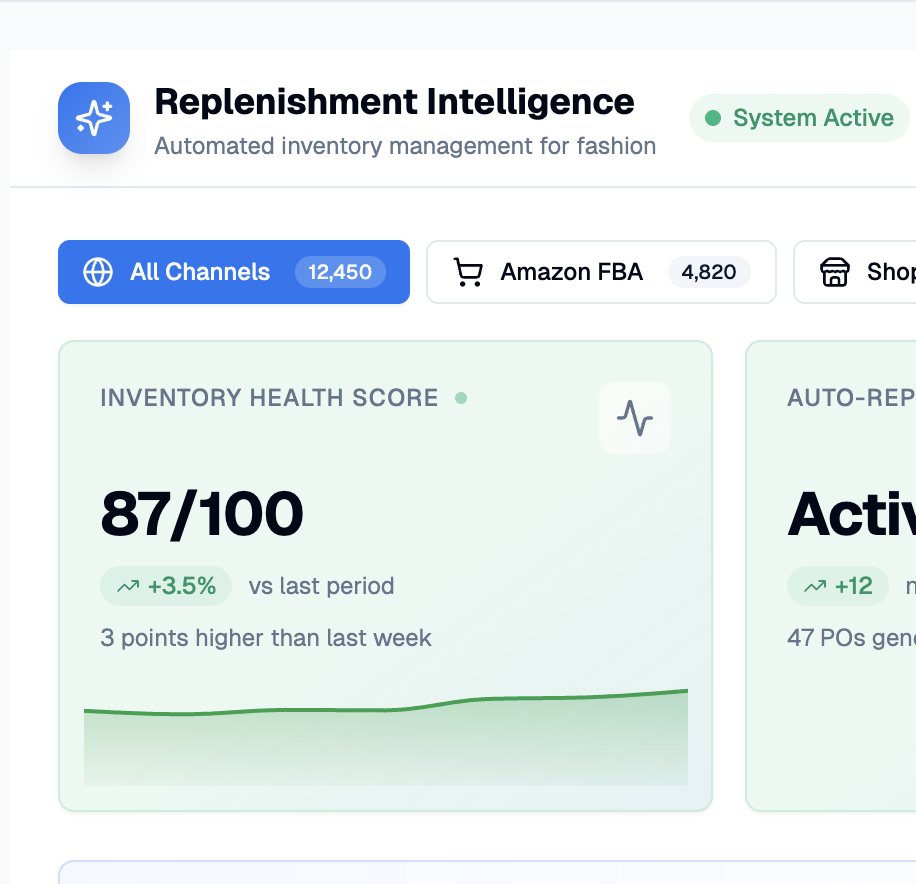
A dashboard that says "you have 47 units of SKU X" is data. A system that says "reorder 200 units of SKU X by Friday because lead time is 21 days, demand is climbing 12% week-over-week, and your Mumbai warehouse will stock out by day 18" that's a decision.
Ask yourself this before you pick anything:
If your answer leans toward "decision-making" and "actually change behaviour" most of the tools below will under-deliver, and you should look at planning-first platforms.
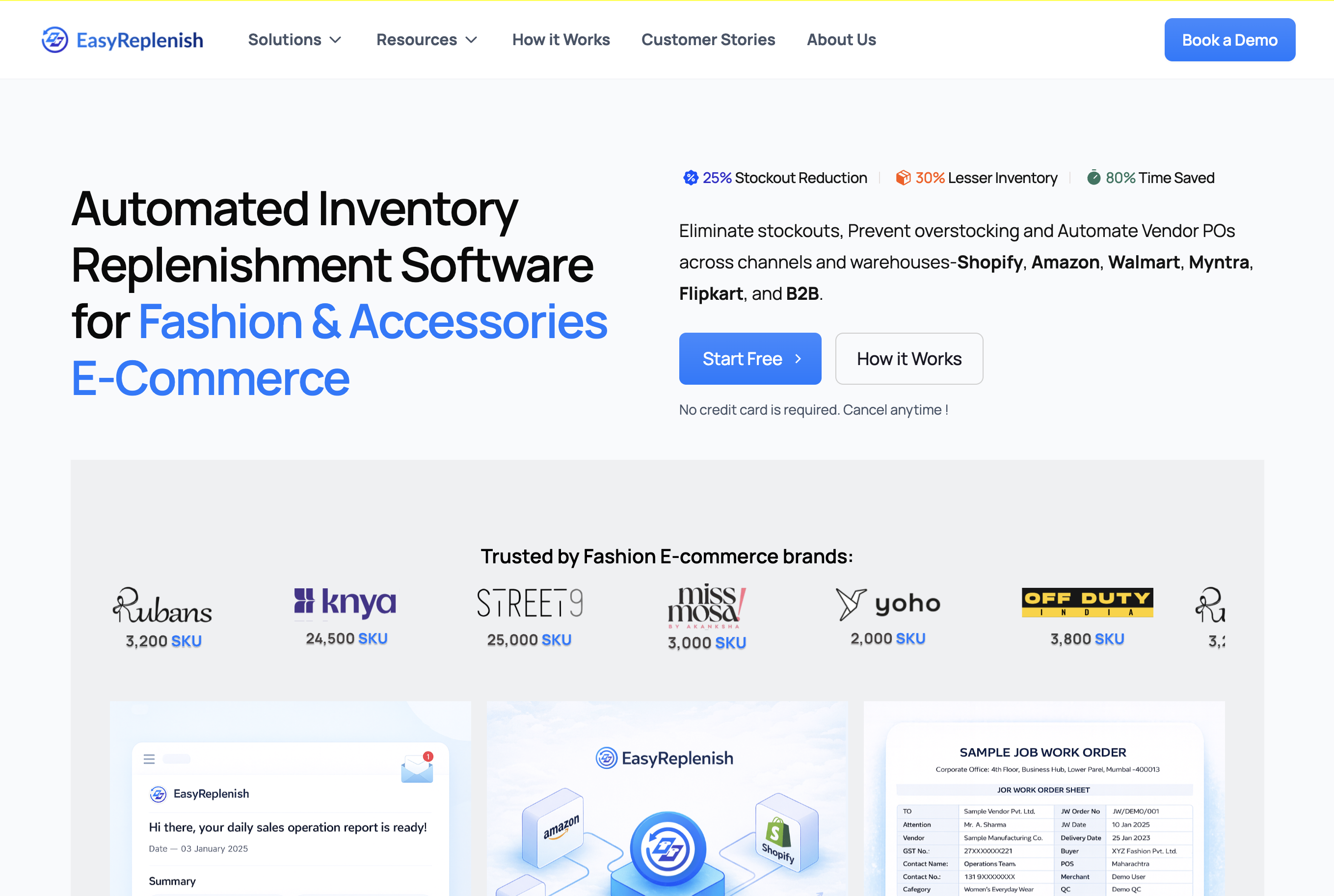
EasyReplenish is built for small to mid-sized businesses and fast-growing D2C brands that want enterprise-level inventory intelligence without enterprise-level complexity. Unlike generic tools, it's planning-first—focused on automated replenishment, demand forecasting, and multi-channel sync rather than just dashboards.
Key Features:
Pros: Easy setup, predictive analytics tailored for SMBs, reduces stockouts and overstocking, fashion-aware logic baked in.
Cons: Newer integrations are still scaling vs older ERPs.
Pricing: Flexible pricing for SMBs, starting at a fraction of ERP-level tools.
Best For: Small e-commerce brands, fashion D2C, and retailers that want automation without complexity.
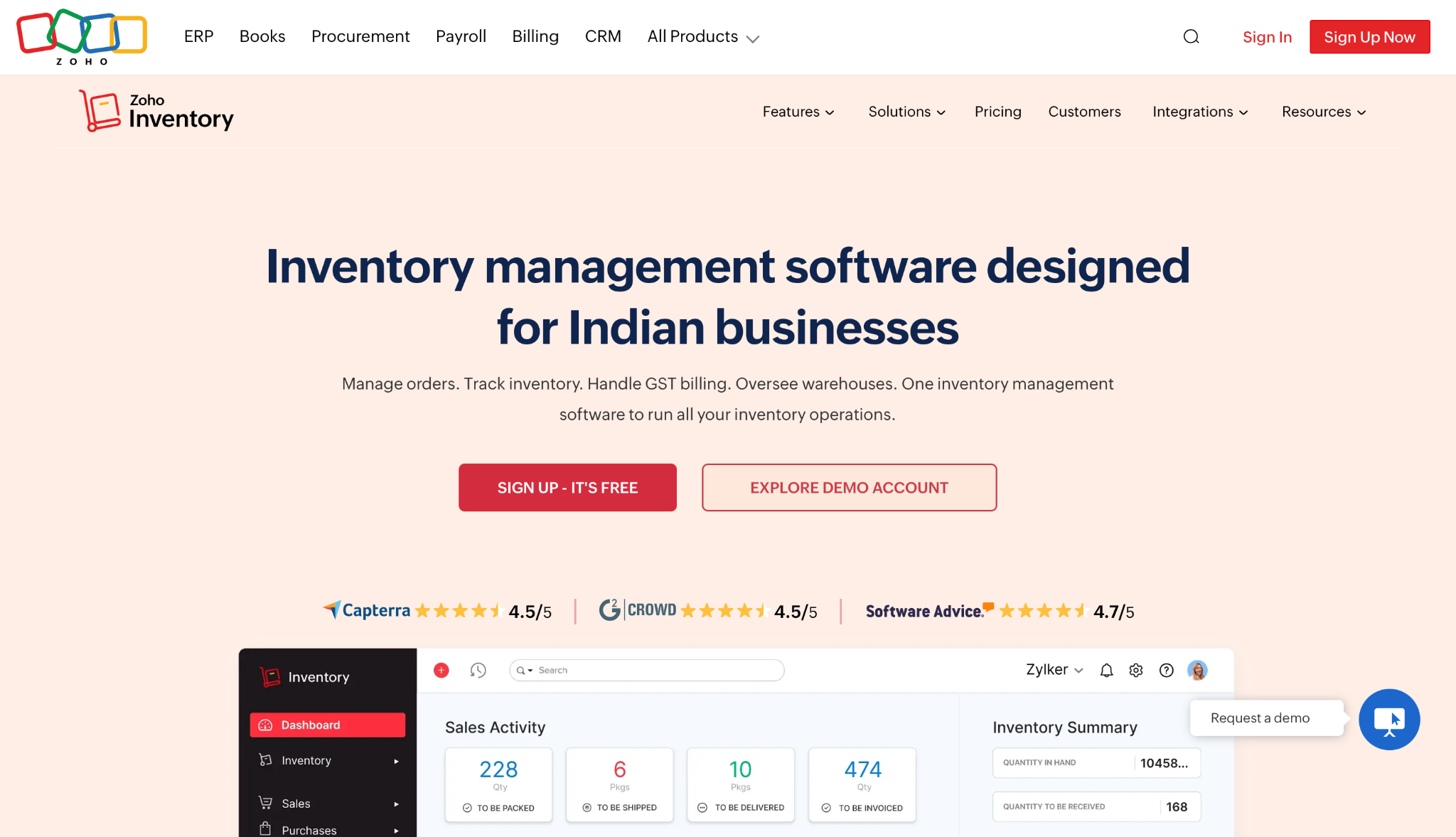
Zoho Inventory is a cost-effective solution ideal for small businesses that want to manage stock, orders, and basic warehouse functions without overspending. It's part of the Zoho suite, so it integrates with Zoho Books, CRM, and the rest of the ecosystem.
Key Features:
Pros: Affordable, deep integration with other Zoho apps, suitable for startups.
Cons: Limited advanced planning—forecasting and deep analytics are weak.
Pricing: Free tier for low volumes; paid plans start around $39/month.
Best For: Budget-conscious SMBs and startups already using the Zoho ecosystem.
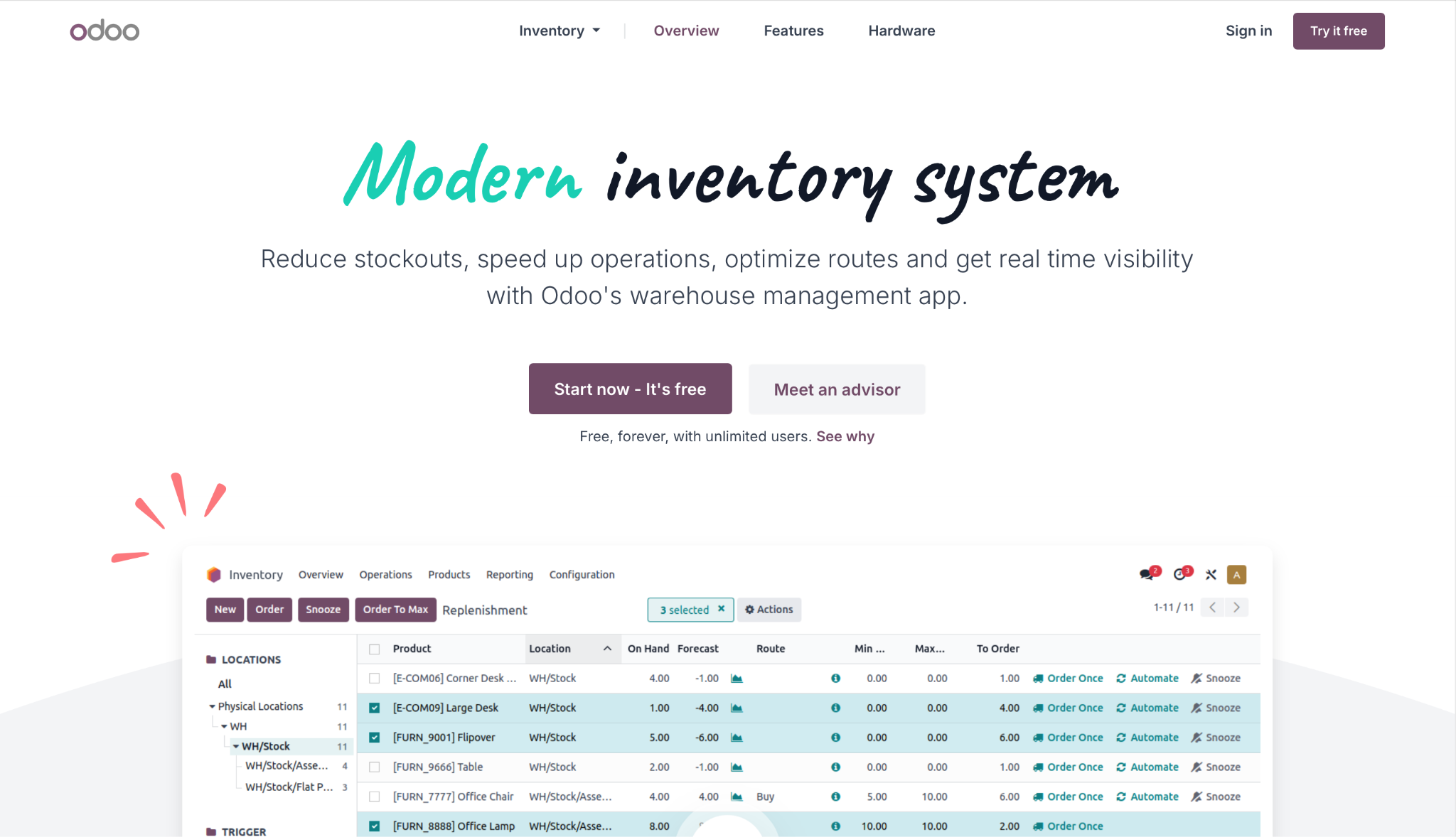
Odoo Inventory is the inventory module of the larger Odoo ERP. It's open-source at its core, deeply customizable, and scales from small business to enterprise. Growing teams pick Odoo when they want one platform to handle inventory, accounting, manufacturing, and CRM in lockstep.
Key Features:
Pros: Highly customizable, strong automation, scales as you grow.
Cons: Setup complexity is real—most teams need an implementation partner.
Pricing: Community Edition is free; Enterprise starts around $24/user/month.
Best For:Growing teams that want a unified ERP, not a point solution.
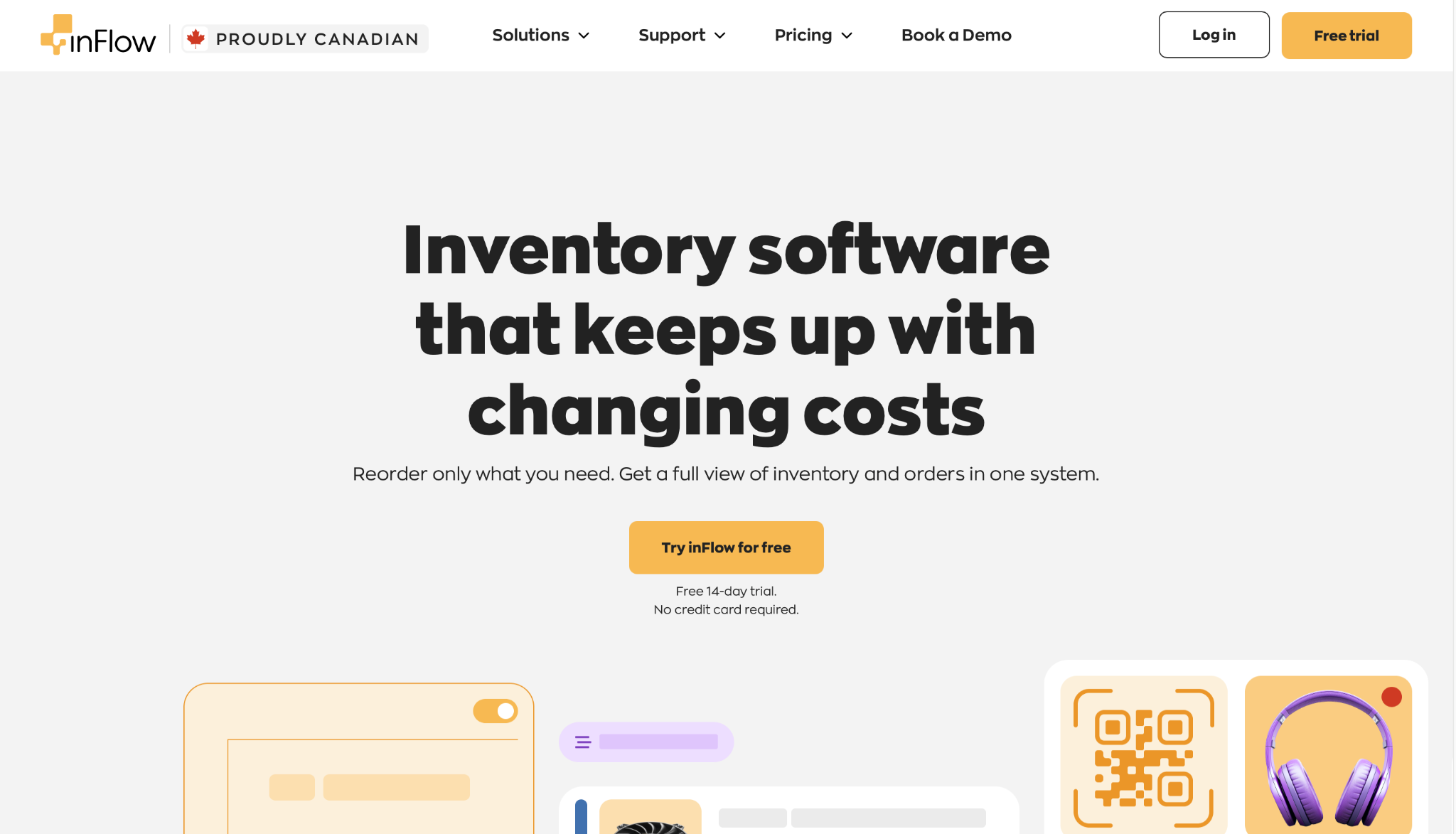
inFlow Inventory is built for small businesses that want simplicity and speed. It's an all-in-one tool for tracking stock, creating invoices, and managing orders with minimal learning curve. Both desktop and cloud versions are available.
Key Features:
Pros: Very easy to learn, great barcode workflows, solid customer support.
Cons: Limited scalability for complex multi-channel or forecasting needs.
Pricing: Starts at $110/month for small teams.
Best For: Small retailers, wholesalers, and distributors that want a clean, no-fuss system.
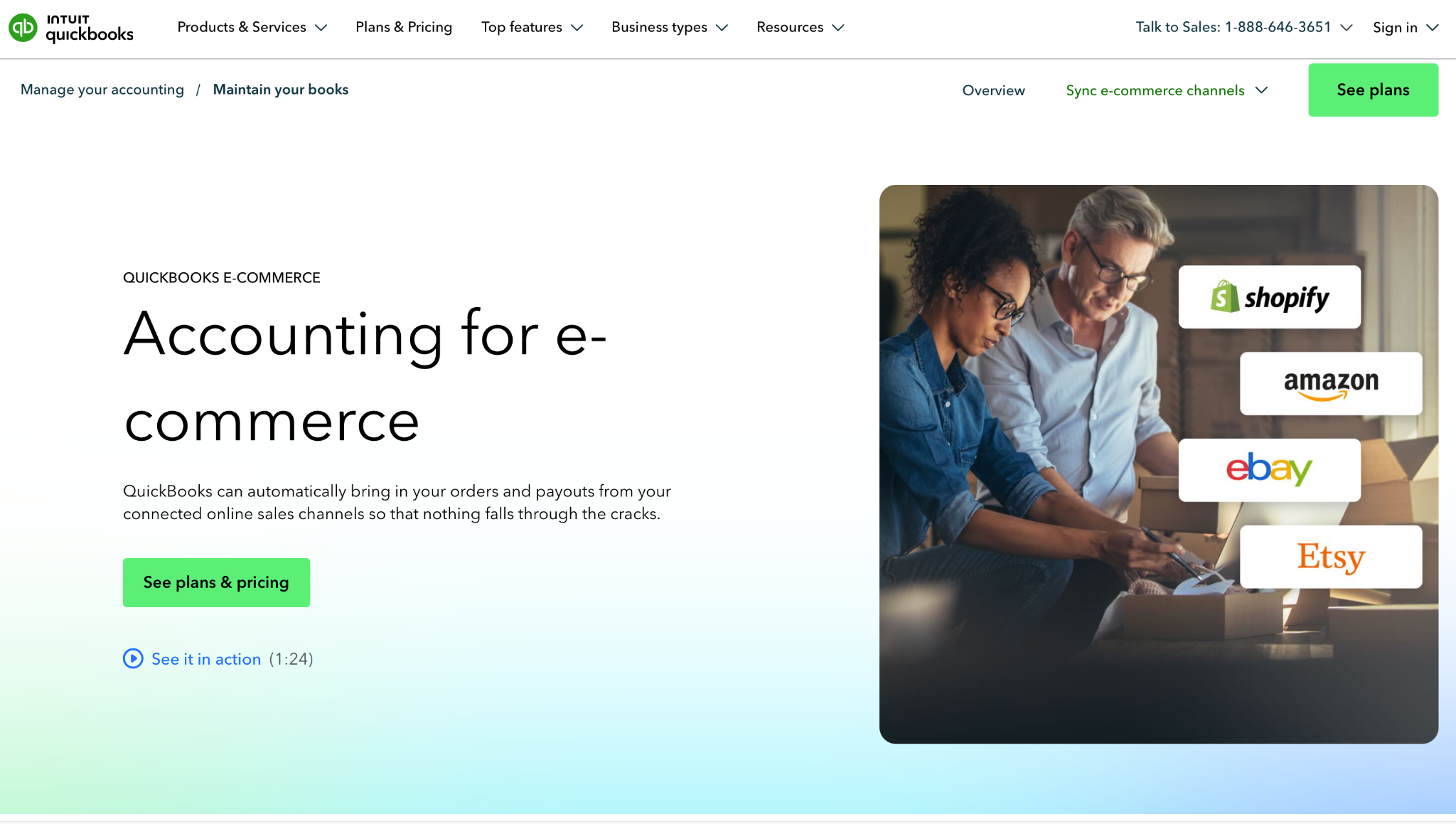
QuickBooks Commerce (formerly TradeGecko) is designed for small businesses already using QuickBooks for accounting. It bridges financial management and inventory tracking — ideal for retailers and wholesalers who want unified operations without bolting two systems together.
Key Features:
Pros: Strong QuickBooks integration, good for managing accounting and stock together.
Cons: Limited customization, pricier vs entry-level standalone tools.
Pricing: Bundled with QuickBooks Online Advanced; effective cost is roughly $200/month and up.
Best For: Small businesses already on QuickBooks looking for a connected inventory layer.
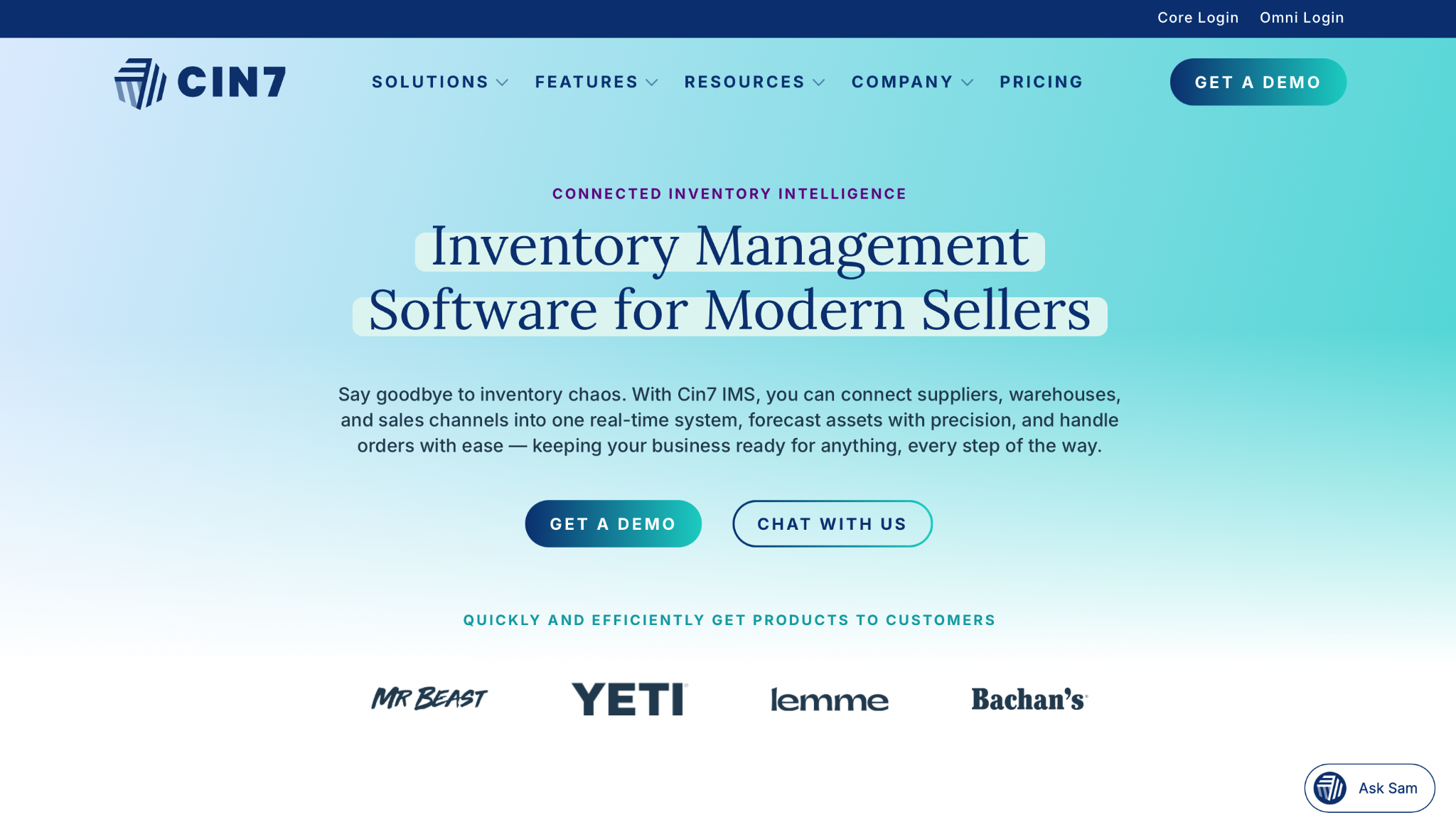
Cin7 is built for brands that sell across many channels at once—Shopify, Amazon, marketplaces, retail partners, and 3PLs. It's heavier than entry-level tools but pays off when your channel mix gets messy.
Key Features:
Pros: Best-in-class for omnichannel and multi-warehouse, deep integration library.
Cons: Expensive vs entry-level, learning curve for smaller teams.
Pricing: Custom pricing; typically $349/month and up.
Best For: Omnichannel sellers and growing brands juggling multiple sales channels and 3PLs.
Most tools are built generically. Your inventory problems are not.
A tool that's perfect for an electronics reseller will quietly fail a fashion brand. A tool that handles cosmetics expiry beautifully won't help an apparel D2C with 14 sizes × 8 colors × 3 prints per style. Picking by industry-fit is the single biggest predictor of whether the tool will still be in use a year later.
Inventory analytics powered with
smarter forecasts
Fashion is the hardest category for generic tools to handle, because the problem isn't just tracking, it's planning under chaos.
👉 If you're in fashion specifically, this deeper guide is worth a read: Best Fashion Inventory Management Software & Tools.
Here's what's actually breaking when you grow on spreadsheets:
Overstock isn't just warehouse clutter, it's working capital frozen in product. For an SMB doing ₹2 Cr / $250K in revenue, even 15% overstock means tens of thousands sitting on shelves instead of funding marketing, hiring, or the next launch. Spreadsheets don't flag this. By the time you notice, the cash is already stuck.
Stockouts cost more than the missed sale, they cost the customer. Most teams don't even track stockouts because they don't know they happened. Spreadsheets show what is in stock; they don't show what you should have had in stock and didn't. The leak compounds week after week.
Manual analysis = delayed decisions. By the time the spreadsheet refresh is done, the festive season is half over, the bestseller is gone, and the dead stock is still sitting there. The cost isn't the spreadsheet, it's the week of lost decision time every cycle.
If forecasting is where your spreadsheet is breaking hardest, this companion guide goes deep: Top 10 AI-Powered Demand Forecasting Tools for Inventory.
Inventory analytics powered with
smarter forecasts

No credit/debit card required • Cancel anytime
.png)
.png)


