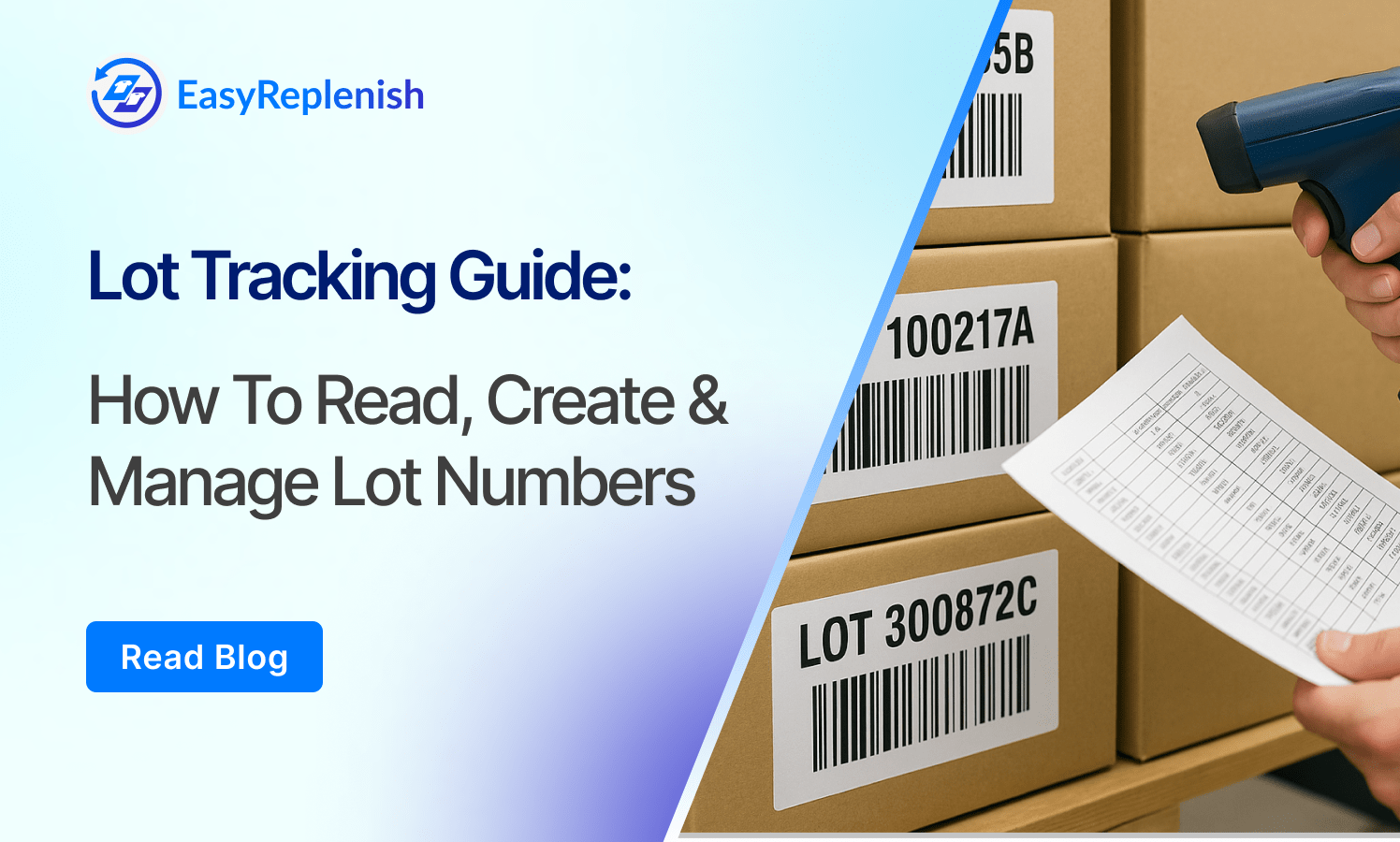
Lot Tracking Guide: How to Read, Create & Manage Lot Numbers


Barcode inventory systems continue to dominate in 2026 because they deliver 99.9% accuracy, cut counting time by up to 70%, and give businesses real-time visibility across warehouses, retail stores, and omnichannel fulfillment. As operations grow more complex, mobile barcode scanning and automation remain the fastest, most reliable way to track stock without errors.
In this guide, we break down the 15 best barcode inventory management software solutions for 2026, how we evaluated them, and the must-know implementation insights to help you choose the right system for your business.
A barcode inventory system is a digital tool that uses barcodes and scanners to track products, movement, and stock levels with high accuracy and speed. Instead of relying on manual counts or spreadsheets, each item is tagged with a 1D or 2D barcode, allowing teams to instantly record receiving, picking, transfers, and audits using mobile devices or dedicated scanners.
Barcode inventory software centralizes this data in real time, syncing it across warehouses, retail locations, and sales channels. The result is faster operations, fewer errors, improved visibility, and a more reliable foundation for forecasting and replenishment.
To identify the best barcode inventory management software for 2026, we used a structured evaluation framework designed to reflect the needs of retailers, warehouses, 3PLs, manufacturers, and omnichannel brands. Each platform was scored across six weighted criteria:
Data Sources & Process:
We reviewed vendor documentation, conducted hands-on trials where possible, analyzed 1,000+ user reviews across G2, Capterra, and Reddit communities, and validated features through 2025–2026 product updates.
Each software is also tagged with a “Best For” label (e.g., SMB, enterprise, warehouse-first, retail, manufacturing) to help you find the right fit for your business model.
Inventory analytics powered with
smarter forecasts

NetSuite is a full-scale ERP platform built for enterprises needing deep inventory, financials, purchasing, and WMS capabilities in one system. Its barcode workflows extend across receiving, picking, cycle counting, and production, making it ideal for businesses with multiple facilities and high SKU volumes. With real-time visibility and robust automation, NetSuite eliminates data silos and supports complex multi-location supply chains.
Top Features:
Pros: Extremely scalable, deep ERP integrations, enterprise-grade analytics
Cons: High implementation cost, steep learning curve
Pricing: Custom enterprise pricing (typically $$$$)
Best For: Enterprise, manufacturing, distribution, multi-warehouse brands
Cin7 is a powerful all-in-one inventory, POS, and automation platform designed for fast-growing retail and D2C businesses. Its barcode-first workflows make receiving, counting, and order fulfillment faster and more accurate. With native integrations to Shopify, Amazon, Walmart, and major accounting tools, Cin7 gives brands unified control over online and offline operations, reducing oversells and improving stock visibility across channels.
Top Features:
Pros: Excellent omnichannel syncing, strong automation engine, wide integrations
Cons: Can be complex for small teams, full features require higher plans
Pricing: Mid-range ($$–$$$ depending on modules)
Best For: Mid-market retail, D2C brands, wholesalers
DEAR Systems is a cloud inventory and manufacturing solution combining barcode tracking with production management. It’s ideal for brands that assemble or manufacture products and need precise control over materials, batches, and BOMs. The barcode module spans purchasing, production, fulfillment, and stocktaking, helping businesses reduce errors and maintain strong operational accuracy.
Top Features:
Pros: Excellent for manufacturing workflows, powerful automation, strong value
Cons: Interface can feel rigid, workflow setup takes time
Pricing: Mid-range ($$–$$$ based on users & add-ons)
Best For: D2C manufacturers, wholesalers, assembly-based businesses
Zoho Inventory is a cloud-based inventory system designed for small to mid-sized businesses that need barcode scanning, multi-channel stock syncing, and mobile accessibility without the complexity of enterprise software. It supports barcode and QR code generation, mobile scanning for receiving and sales, and integrates seamlessly with ecommerce channels and Zoho’s broader ecosystem.
Top Features:
Pros: Very user-friendly, affordable, and quick to set up
Cons: Limited advanced WMS and automation features
Pricing: Free tier available; paid plans start low ($–$$)
Best For: SMBs, online retailers, early-stage brands
SkuVault is designed specifically for warehouse-centric teams managing high order volumes across multiple channels. Its barcode workflows support receiving, putaway, picking, transfers, and quality control — giving fast-moving ecommerce brands real-time visibility and reduced mis-picks. It’s especially strong for Amazon/FBM, wholesale, and multi-warehouse operations.
Top Features:
Pros: Excellent for high-volume fulfillment, strong warehouse accuracy
Cons: Onboarding can be heavier; designed more for ops teams than retail staff
Pricing: Mid-range to custom ($$–$$$)
Best For: Mid-market ecommerce, multi-warehouse, 3PLs
Fishbowl Inventory combines barcode tracking with robust manufacturing workflows, making it a popular choice for product brands that assemble, build, or manage components. It supports barcode scanning throughout the production lifecycle — from raw material receiving to finished-goods shipping — and integrates tightly with QuickBooks for accounting.
Top Features:
Pros: Ideal for manufacturers and distributors, strong part-level tracking
Cons: UI feels dated; mobile experience less modern than competitors
Pricing: Typically $$$ depending on modules and users
Best For: Manufacturing, wholesale, production-heavy businesses
Odoo Inventory offers barcode scanning, warehouse management, and modular ERP capabilities, making it ideal for businesses that want a single system covering inventory, manufacturing, sales, and fulfillment. With support for 1D/2D codes, offline scanning, and multi-warehouse operations, Odoo scales from small brands to larger operations while maintaining flexibility.
Top Features:
Pros: Highly customizable, broad feature set, one-stop system
Cons: Requires configuration and some technical setup
Pricing: Free version available; enterprise/hosting plans start mid-range ($$–$$$)
Best For: Mid-market, growing brands, businesses requiring full ERP + barcodes
inFlow Inventory is designed for small or mid-sized businesses that need an easy, barcode-capable system without enterprise overhead. With support for barcode generation, scanning via mobile or desktop, printing label templates, and tracking inventory across one or multiple locations, it’s a strong fit for rapid adoption.
Top Features:
Pros: Very user-friendly, quick deployment, affordable for smaller teams
Cons: May lack advanced WMS features for complex warehouse setups
Pricing: Entry-level pricing ($–$$); free trial available
Best For: SMBs, retail stores, startups, small warehouses
Sortly is a mobile- and tablet-centric inventory app with built-in barcode and QR-code capabilities, making it perfect for businesses that need fast scanning, simple workflows, and decentralized inventory management. Ideal for retail shops, boutiques, pop-ups, or brands where ease-of-use is critical.
Top Features:
Pros: Extremely easy to use, minimal training required, very affordable
Cons: Limited enterprise WMS or complex fulfillment features
Pricing: Low-cost plans ($) with free trial
Best For: Small retail shops, boutiques, pop-ups, newer ecommerce brands
Orderhive offers barcode scanning and label generation, combined with order and inventory automation across multiple channels. It’s built to streamline receiving, picking, audits, and syncing stock across marketplaces and stores in one workflow.
Top Features:
Pros: Strong multi-channel automation, good value, real-time stock sync
Cons: Feature set less deep than large-scale warehouse WMS; smaller user base for large-scale 3PLs
Pricing: Entry plans start moderate ($–$$)
Best For: Mid-market ecommerce, D2C brands, retailers with multiple sales channels
EZOfficeInventory (now branded “EZO”) is a cloud platform focused on inventory and asset tracking via barcodes and QR codes. While originally asset-centric, it also serves light inventory workflows — especially for businesses needing mobile scanning, audits, and cross-location visibility.
Top Features:
Pros: Very user-friendly, fast deployment, good for smaller teams needing visibility
Cons: Less sophisticated for heavy warehouse operations or high-volume fulfillment
Pricing: Starting around $40/month (for asset/inventory modules)
Best For: Small to mid-size retail/brands, service businesses, field teams
QuickBooks Commerce provides barcode support, inventory tracking, and multi-channel order management integrated with QuickBooks accounting. Though not a full warehouse-grade WMS, it’s ideal for SMB brands that prioritize simplicity, barcode workflows, and financial visibility all in one.
Top Features:
Pros: Easy for SMBs, strong accounting integration, quick setup
Cons: Limited advanced warehouse/windows logistics features; may not scale as well for multi-warehouse 3PLs
Pricing: SMB-friendly ($–$$)
Best For: Growing e-commerce brands, retail boutiques, D2C startups
This category refers to mobile-first barcode inventory apps that excel in quick deployment, mobile scanning via smartphone, and simple workflows for small teams or field locations. With minimal setup and fast onboarding, they’re ideal for pop-ups, remote teams, or businesses needing barcode capabilities without full warehouse modules.
Top Features:
Pros: Extremely quick to deploy, minimal cost, great for mobile use
Cons: Limited advanced inventory or multi-warehouse features
Pricing: Very affordable ($)
Best For: Small retail shops, mobile units, field service, startups
This solution is tailored for large-scale fulfillment operations and 3PLs where barcode workflows are core to the process. It emphasizes advanced picking, slotting, wave processing and uses barcodes as the control mechanism. Brands that have multiple warehouses, high SKU counts, and cross-dock workflows will benefit most.
Top Features:
Pros: Designed for scale and warehouse complexity, excellent scanning throughput
Cons: Higher cost, steeper learning curve, more suited for operations teams
Pricing: Higher tier ($$$)
Best For: 3PLs, enterprise fulfillment centres, large warehouses
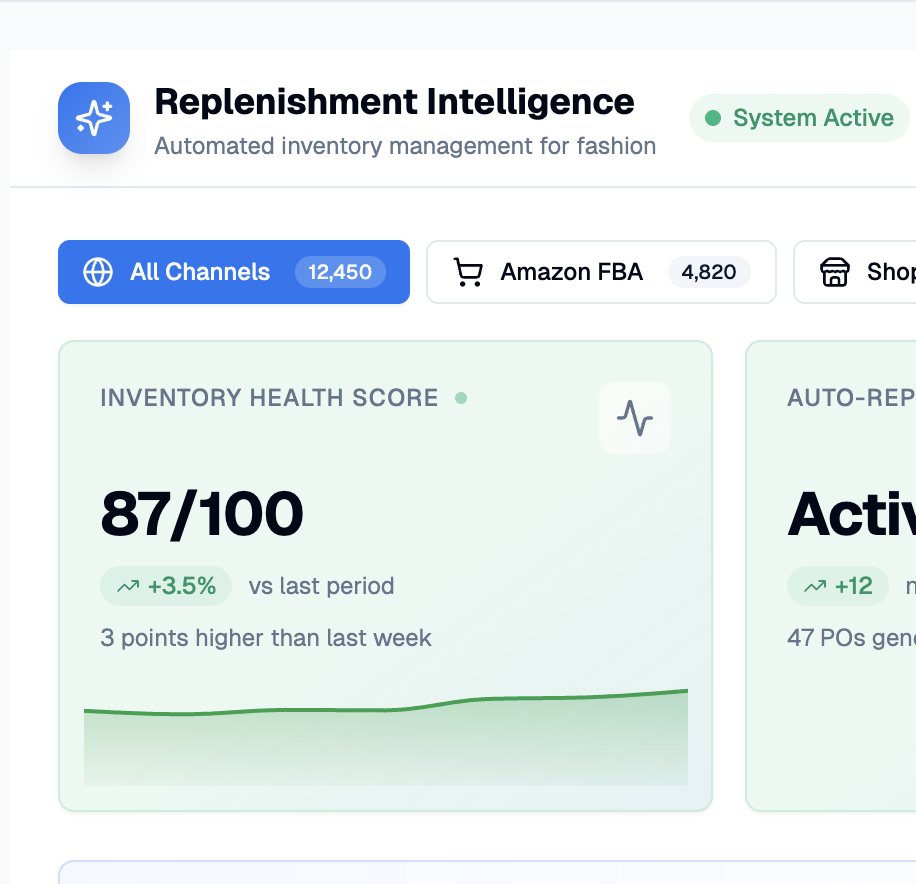
This solution blends barcode scanning workflows with AI-driven forecasting and automatic replenishment. It targets brands that not only want accurate scanning but also want their inventory system to predict needs and trigger actions. Ideal for D2C brands focused on lean operations and rapid scaling.
Top Features:
Pros: High automation and intelligence, reduces overstock and stockouts, modern UI
Cons: Requires structured data and a bit of setup, higher cost than basic systems
Pricing: Mid to high ($$–$$$) depending on modules
Best For: D2C brands with growth ambitions, omnichannel sellers, operations-driven teams
Inventory analytics powered with
smarter forecasts
A barcode inventory system delivers accuracy and speed only when implemented with clean data, the right hardware, and clear operational alignment. Below is a practical, field-tested roadmap to ensure a smooth rollout.
✓ Clean and standardize your SKU master
✓ Decide your barcode scheme
✓ Prepare hardware and infrastructure
✓ Configure initial system settings
Week 1–2: Pilot Setup (Controlled Rollout)
Week 2–4: Data Migration & Integrations
Week 4–6: User Training & SOP Alignment
Week 6–8: Full Rollout
✓ Get frontline buy-in early
Warehouse teams should test scanners and workflows during the pilot. Early involvement reduces resistance dramatically.
✓ Keep SOPs visual and simple
Use short video clips, printed workflows at stations, and color-coded labels.
✓ Start with “must-scan” steps only
Enforce scanning for critical workflows first (receiving + picking), then expand to putaway, transfers, and audits.
✓ Assign barcode champions
Trained leads in each warehouse/shift keep quality high and escalate issues fast.
✓ Track performance metrics weekly
Monitor mis-picks, scan compliance, receiving times, cycle count variance.
✓ Iterate based on feedback
Barcode systems are continuous improvement tools — refine locations, labels, and workflows as your operations evolve.
Implementing a barcode system isn’t just about software — the hardware and labeling decisions determine how reliable, fast, and accurate your inventory workflows will be. Below is a practical, operations-friendly guide to choosing the right devices, barcoding standards, and workflow best practices.
1D Scanners (Laser/Linear):
2D Scanners (Imagers):
Mobile Device Scanning:
Best Practice:
If you plan to scale or use 2D/QR codes, choose 2D imagers from the start — they future-proof your operation.
Label Materials:
Printers:
Best Practice:
Use larger labels for warehouse bins/racks and smaller labels for product SKUs; maintain consistency to reduce scanning errors.
GTIN / UPC / EAN:
Code128 / Code39:
QR Codes / DataMatrix:
Best Practice:
Use UPC/EAN for retail-facing products and Code128/QR for internal warehouse tracking.
For products:
For cases/cartons:
For bins/racks:
Best Practice:
Maintain uniform label placement so pickers don’t waste time finding scan points.
Ergonomics:
Security:
Best Practice:
Run periodic scanner calibration and label quality checks to maintain high scan accuracy
Choosing the right barcode inventory management system is one of the simplest yet most impactful upgrades a business can make to improve accuracy, speed, and operational control. With the right combination of software, hardware, and standardized barcode workflows, teams can eliminate manual errors, streamline warehouse operations, accelerate fulfillment, and maintain real-time visibility across every location.
The solutions in this guide represent the strongest options for 2026 — from enterprise-grade platforms to lightweight mobile apps — helping businesses of all sizes adopt efficient, scalable barcode processes. Whether you’re an SMB looking to modernize your stock management or an enterprise optimizing multi-warehouse operations, implementing the right barcode system unlocks measurable gains in productivity, cost savings, and customer satisfaction.
A well-executed barcode strategy doesn’t just improve inventory accuracy — it becomes the foundation for smarter forecasting, faster replenishment, and long-term operational excellence.
Inventory analytics powered with
smarter forecasts