11 Inventory Management Methods Explained with Examples


It takes a single out-of-stock event to lose a customer. McKinsey found that 39% of customers switch brands and 32% switch retailers the moment something isn't available. They don't complain. They just leave, and take their next ten orders with them.
That's what mismanaged inventory costs you, quietly, every week.
Here are some tell-tale signs you’ve outgrown managing inventory in spreadsheets:
We evaluated over a dozen inventory management tools, cross-referenced features, verified 2026 pricing, user reviews on Capterra and G2, integration depth, and how each tool handles SMB-specific complexity before arriving at this list.
The six tools below are the ones that consistently stood out for small and mid-sized businesses in 2026.
Inventory control software is a digital system that helps businesses track stock levels, manage orders, forecast demand, and automate reordering, all in real time.
Unlike enterprise ERPs packed with modules you'll never use, the best SMB tools focus on essentials: live stock visibility, automated replenishment triggers, and integrations with the sales channels you already sell on.
The goal isn't just tracking numbers. It's making sure every product is in the right place at the right time, without tying up cash in overstock or losing sales to stockouts. The best tools are lightweight, affordable, and usable by non-technical teams.
For example, a small online fashion boutique without inventory software risks overselling a popular dress on Shopify while Instagram Shop still shows it as “in stock”. With inventory management software, stock syncs across channels automatically, preventing lost sales, refunds, and the customer service spiral that follows.
Before you compare pricing pages, understand this one thing most "top tools" lists won't tell you. Most inventory tools fall into one of two categories:
Remember, tracking inventory ≠ knowing what to reorder.
A dashboard that says "you have 47 units of SKU X" is data. A system that says "reorder 200 units of SKU X by Friday because lead time is 21 days, demand is climbing 12% week-over-week, and your Mumbai warehouse will stock out by day 18" that's a decision.
Most tools live in the tracking column. Very few cross into planning.
Questions to ask yourself before you compare anything:
If the answer leans toward decision-making, most of the tools below will under-deliver. And you should prioritize planning-first platforms over pure tracking tools.
The right tool depends on your business, not the one with the best G2 rating.
Here's what to evaluate:
Jump to any tool by clicking its name.
All pricing verified June 2026. See individual entries for full tier breakdowns.
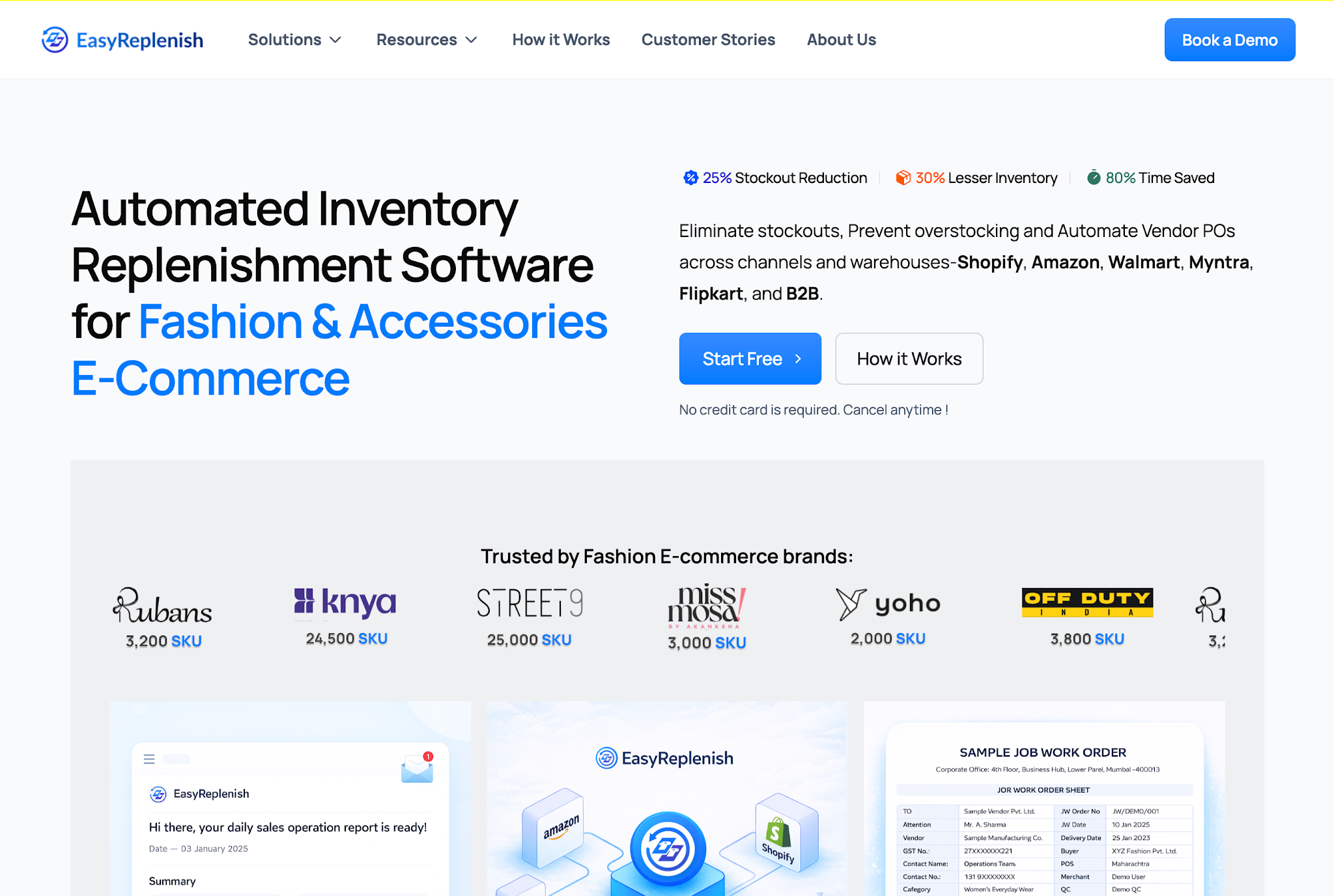
EasyReplenish is the only tool on this list built planning-first rather than tracking-first. It is built for small to mid-sized businesses and fast-growing D2C brands that want enterprise-level inventory intelligence without enterprise-level complexity.
Brands like Rubans (3,200 SKUs), Knya (24,500 SKUs), and Street9 (25,000 SKUs) run on EasyReplenish have witnessed an average of 25% reduction in stockouts, 30% less excess inventory, and 80% time saved on manual replenishment work.
The platform's fashion-aware logic (handling size-color-print SKU matrices, seasonal demand swings, and multi-channel sync) is particularly strong for apparel and accessories brands.
Key Features:
Integrations: Shopify, Amazon, Flipkart, Myntra, Walmart, B2B channels
Pros: Fast setup, planning-first logic that actually changes Monday morning decisions, fashion-aware replenishment built in, reduces both stockouts and dead stock simultaneously.
Cons: Newer platform — ERP-level integration breadth is still expanding compared to legacy tools like Odoo or Cin7.
Pricing: Flexible plans sized for SMBs; contact for current pricing. Free trial available, no credit card required.
Ideal for: 500–50,000 SKUs, multi-channel D2C and fashion brands, businesses where replenishment currently happens manually or reactively
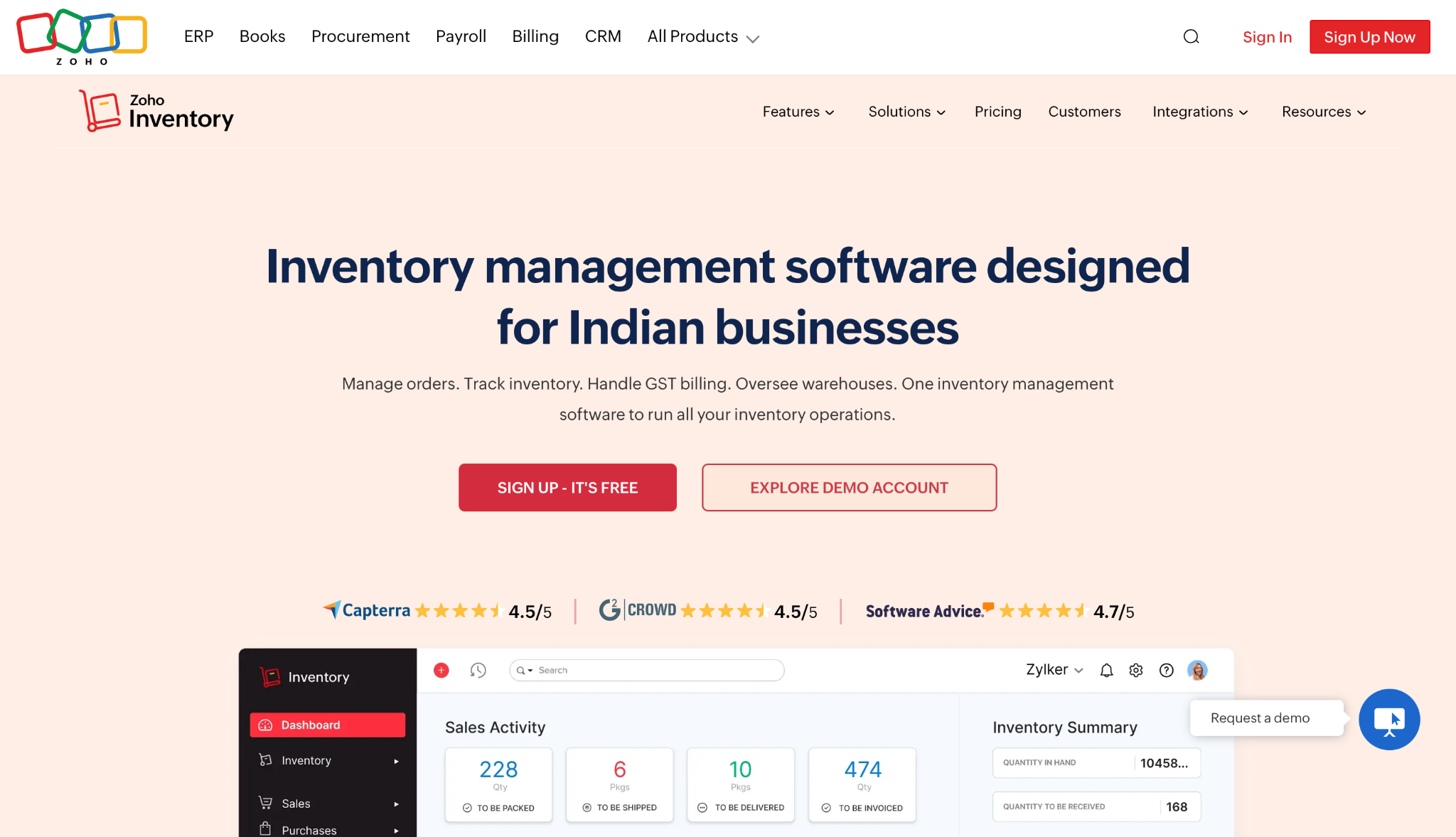
Zoho Inventory is the go-to for budget-conscious small businesses that need solid multi-channel tracking without a large monthly commitment. As part of the broader Zoho suite, it connects natively with Zoho Books, Zoho CRM, and Zoho Analytics, making it a natural fit if you're already on that ecosystem.
It's a visibility tool, not a planning tool so you'll know what you have and where it is. You won't get AI-driven replenishment recommendations or dynamic reorder modeling, but for an early-stage business that just needs reliable tracking and order management, the free tier alone is genuinely useful.
Key features:
Integrations: 40+ including Shopify, Zoho Books, WooCommerce, PayPal, Zoho CRM, AfterShip, BigCommerce, Mailchimp
Pros: Most capable free tier on this list, deep Zoho ecosystem integration, suitable for startups, 4.5/5 across 416 verified reviews.
Cons: Forecasting and advanced analytics are weak since this is a visibility tool, not a planning one. Paid plans can feel pricey at higher tiers relative to order volume limits.
Pricing (verified 2026):
User rating: 4.5/5 on Capterra (416 reviews)
Best for: Startups and early-stage SMBs with fewer than 5,000 monthly orders, businesses already using Zoho products
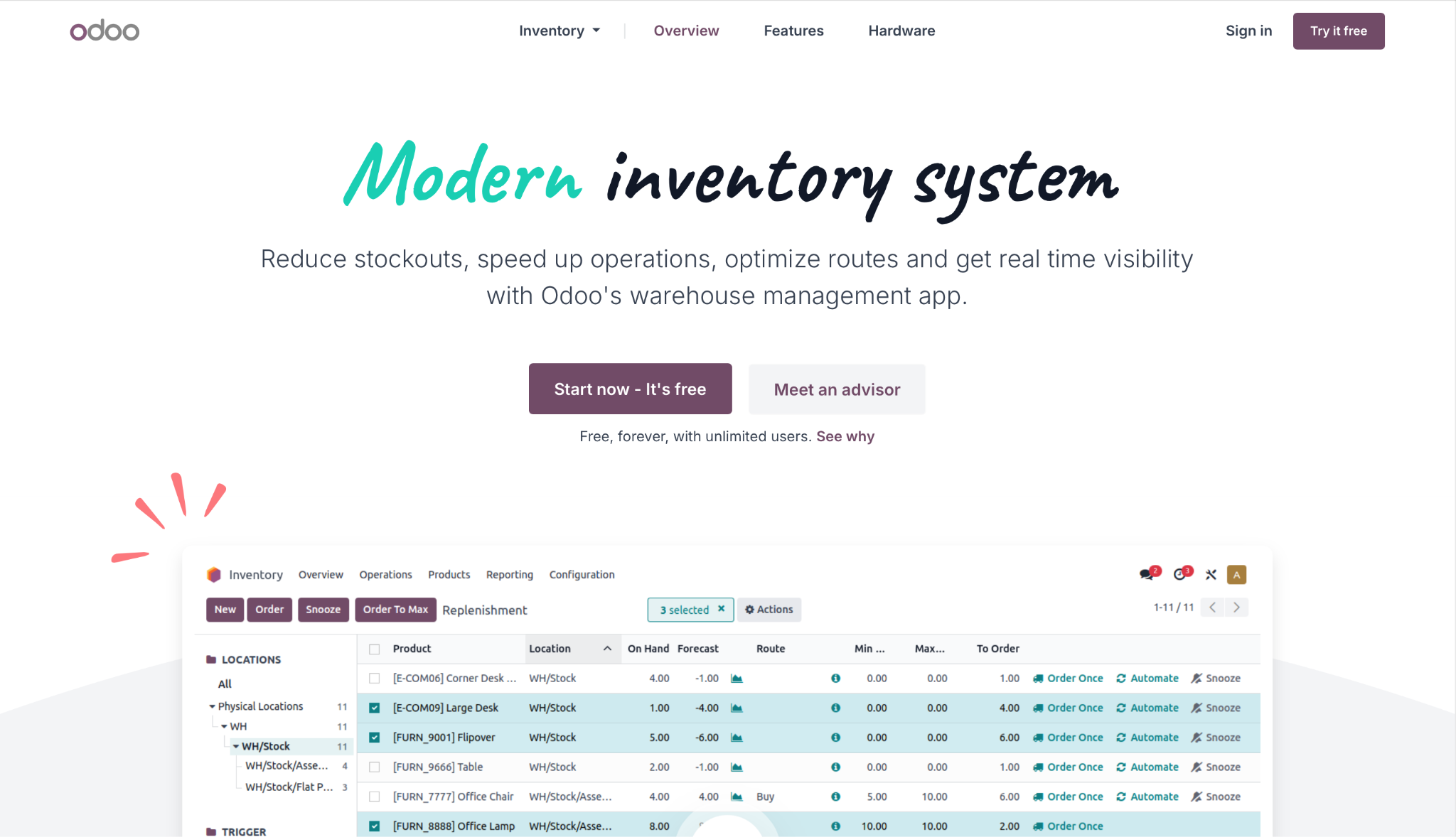
Odoo Inventory is the inventory module inside the broader Odoo ERP. It's open-source at its core, deeply customizable, and designed to scale from a 5-person operation to an enterprise without forcing a platform migration. Teams pick Odoo when they want a single system running inventory, accounting, manufacturing, sales, and CRM in lockstep.
The trade-off is real: setup complexity is not cosmetic. Most teams that get genuine value from Odoo work with an implementation partner. If you need to be running in a week, this is not your tool. If you're building a system to last three to five years, it likely is.
Key features:
Integrations: Full Odoo suite (accounting, CRM, manufacturing, ecommerce); third-party via Odoo Apps marketplace
Pros: Most customizable option on this list, strong automation, excellent scalability, genuinely free Community edition.
Cons: Setup complexity is the most significant barrier — most teams need an implementation partner. Not a drop-in solution. Budget 4–12 weeks for a proper rollout.
Pricing (verified 2026):
User rating: 4.1/5 on Capterra
Ideal for: Growing teams with 10+ users, businesses that want to consolidate multiple tools into one platform, operations with complex manufacturing or multi-warehouse routing needs
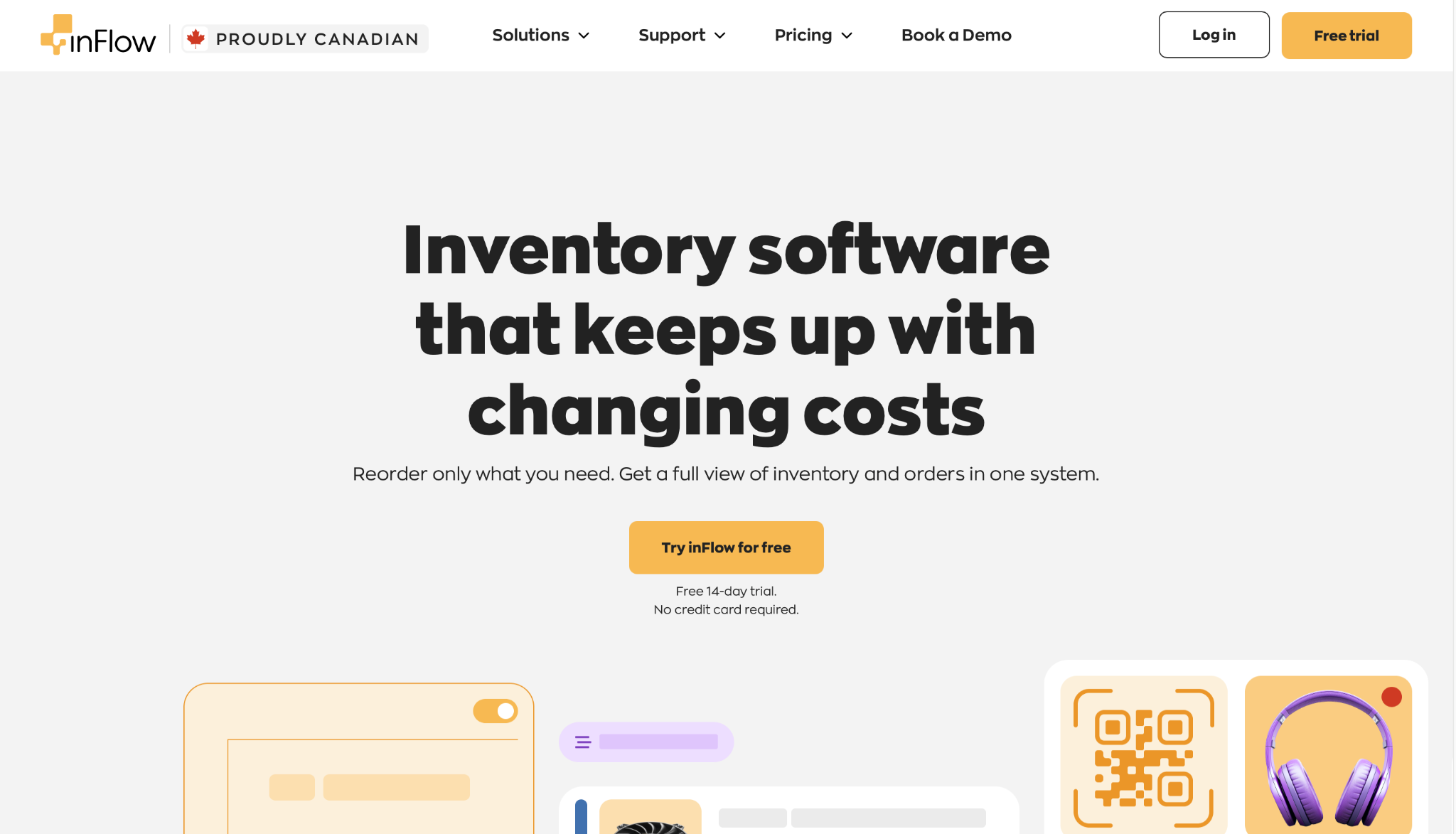
inFlow is for small businesses that have outgrown spreadsheets and want a clean, low-friction system without a long implementation, a training budget, or a dedicated IT person. Users consistently highlight how quickly teams get up and running.
It does stock tracking, order management, invoicing, and barcode scanning well. It doesn't do advanced forecasting or deep multi-channel automation. If that's your requirement, look at EasyReplenish or Cin7. If you want something without spending months learning, inFlow is a strong fit.
Key features:
Integrations: 90+ including Shopify, QuickBooks, ShipStation, WooCommerce, and Zapier
Pros: Fastest time-to-value on this list, excellent barcode workflows, in-house support via chat, email, or callback, no hidden fees.
Cons: Limited scalability for complex multi-channel or forecasting needs. Order volume caps on each plan can become a constraint as you grow.
Pricing (verified June 2026):
User rating: 4.6/5 on Capterra (504 reviews)
Ideal for: Small retailers, wholesalers, and distributors with 1–10 team members; businesses
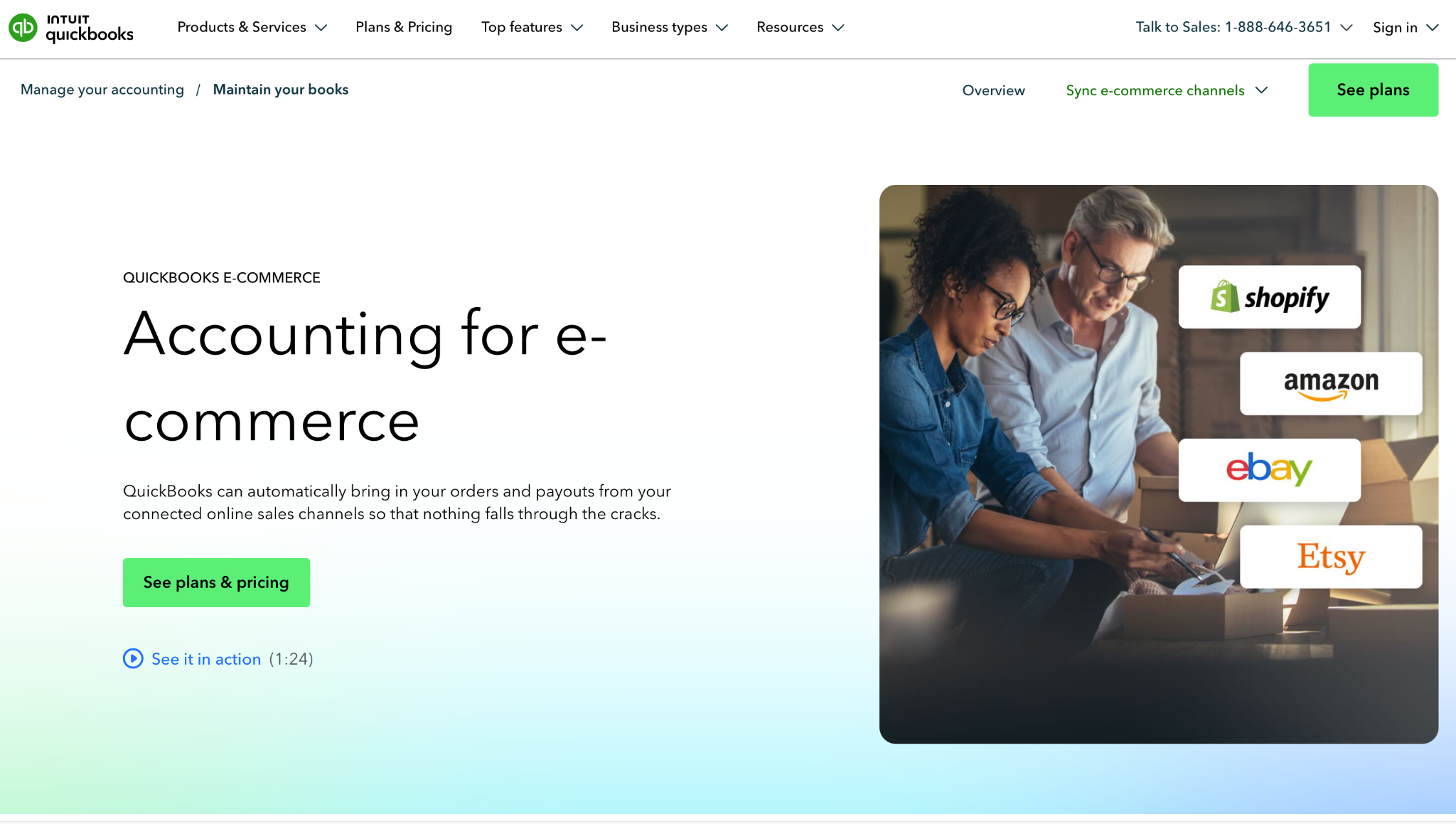
QuickBooks Commerce exists for one specific situation: you're already on QuickBooks for accounting, and you need inventory tracking that doesn't require manually reconciling two systems. If that's you, it's a genuinely good fit.
If you're not already on QuickBooks, there's little reason to start here. The pricing is high relative to standalone tools at similar feature levels.
Key features:
Integrations: Shopify, Amazon, eBay, Etsy, all flowing directly into QuickBooks ledger
Pros: Eliminates reconciliation between inventory and accounting, familiar interface for QuickBooks users, reduces double-entry errors.
Cons: Overpriced if you're not an existing QuickBooks user. Limited customization. Forecasting is basic. You're effectively locked into the QuickBooks ecosystem.
Pricing: Bundled with QuickBooks Online Advanced; effective cost roughly $200/month and up depending on your QuickBooks plan tier.
User rating: 4.3/5 on Capterra
Ideal for: Small businesses already on QuickBooks Online Advanced, retailers and wholesalers who want inventory and accounting unified without a separate sync tool
Cin7 Core is built for brands managing inventory across many channels simultaneously like Shopify, Amazon, marketplaces, retail partners, 3PLs, and EDI connections.
With 700+ integrations, it's one of the most connected platforms available at this price tier. That connectivity is where it earns its price: if your channel mix is messy and growing messier, Cin7 handles complexity that would break lighter tools.
One honest note: customer reviews consistently flag post-onboarding price increases of 30–40% and add-on costs that aren't disclosed upfront. Verify your full contract terms before signing.
Key features:
Integrations: Xero, Shopify, WooCommerce, ShipStation, QuickBooks Online, Zapier, HubSpot, BigCommerce, PayPal, and 700+ more
Pros: Best integration library on this list, strong multi-warehouse operations, B2B portal, real-time cross-channel visibility.
Cons: Expensive entry point. Post-onboarding price increases flagged in reviews. Learning curve for smaller teams. Add-on costs require a sales call to understand.
Pricing (verified April 2026):
User rating: 4.3/5 on Capterra
Ideal for: Omnichannel brands with 5+ sales channels, businesses managing multiple warehouses and 3PL relationships, operations that need EDI
Searchers often ask about these tools. Here's the honest one-line on each:
Most tools are built generically. Your inventory problems are not.
A tool that's perfect for an electronics reseller will quietly fail a fashion brand. A tool that handles cosmetics expiry beautifully won't help an apparel D2C managing 14 sizes × 8 colors × 3 prints per style. Industry fit is the single strongest predictor of whether a tool is still in use 12 months after purchase.
Here’s what you need to consider for each industry and the tool best fit for it.
Fashion is the hardest category for generic tools, because the problem goes beyond tracking. You need to plan under the chaos of multiple, complex variables like:
Best fit from this list: EasyReplenish (built specifically for fashion D2C with size-matrix handling and seasonal demand logic). For a deeper look, see our guide: Best Fashion Inventory Management Software.
Unlike most categories, getting personal care inventory wrong has consequences beyond stockouts because expired product reaching customers is a liability, not just a waste. So you must have a track of:
Best fit from this list: Zoho Inventory (batch/serial tracking included), Odoo Inventory (full FEFO support with enterprise edition).
What makes electronics inventory harder than most categories is that a single sellable item is often several trackable things at once: a serial number, a warranty record, and sometimes a kit of components.
And you don't stop needing tracking after the sale: warranties, returns, and component assemblies mean every unit has a life that extends well past the point of purchase. So any tool you choose should also have:
Best fit from this list: Cin7 (serial number tracking, strong multi-channel), Odoo Inventory (component and manufacturing module).
The inventory control software you need may not be the one with the longest feature list or the highest G2 rating. It's the one that fits your industry, matches your automation needs, and will still be the right call when your business is twice the size it is today.
The worst move is staying on spreadsheets for another quarter. Pick the tool that fits your stage, get it running, and let the data do its job.
Inventory analytics powered with
smarter forecasts